
Specification
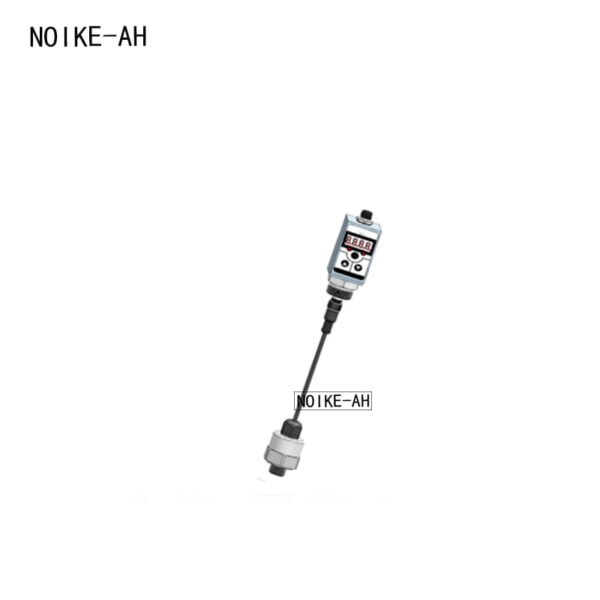
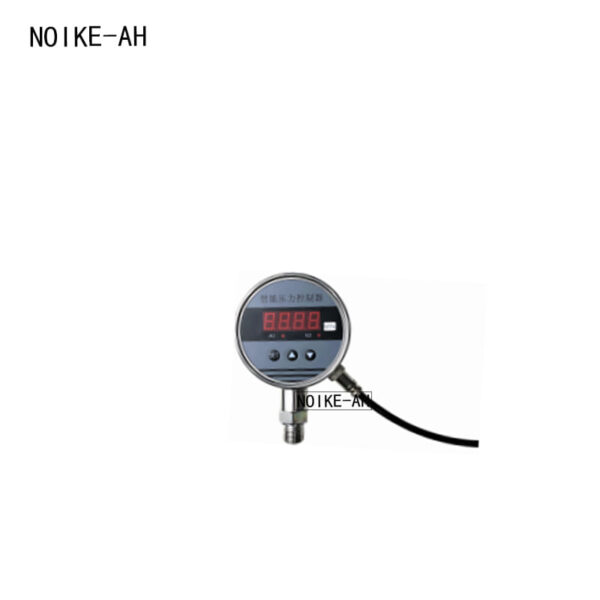
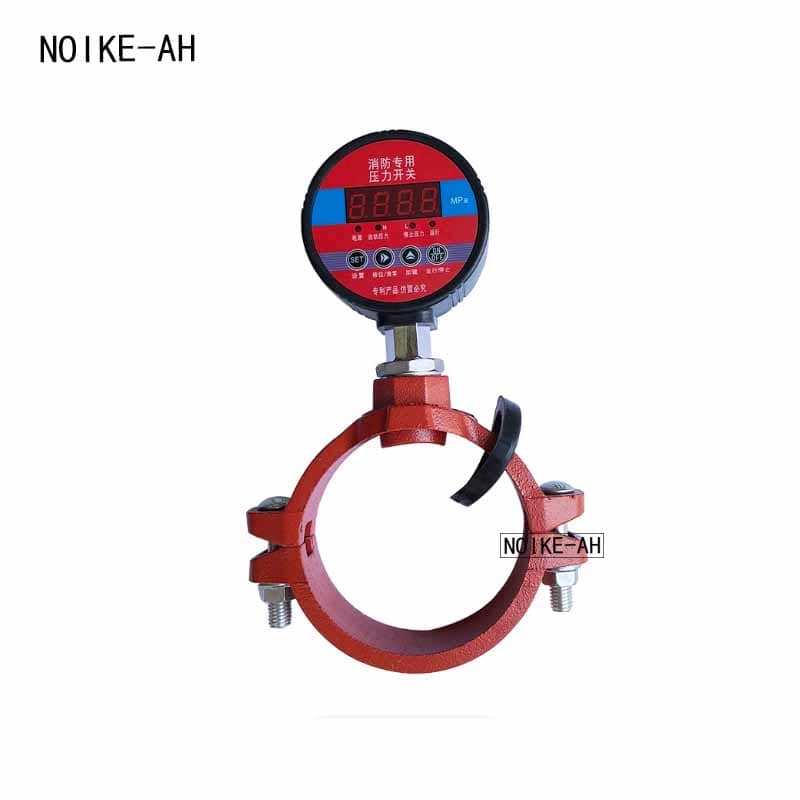
The intelligent pressure switch controller collects pressure data through an MCU.The device collects data, displays pressure in real time, and outputs switch signals, serving as a testing tool Products that measure pressure and achieve high-precision control: widely used in the chemical industry,Automation of pressure measurement in fields such as machinery, hydrology, electricity, environmental protection, and fire protection .In the system, it is flexible and convenient to adjust, simple to install, and has high stability, which can Replace most of the use of mechanical pressure switches, pressure relays, and electrical contacts .The place where the pressure gauge is installed.
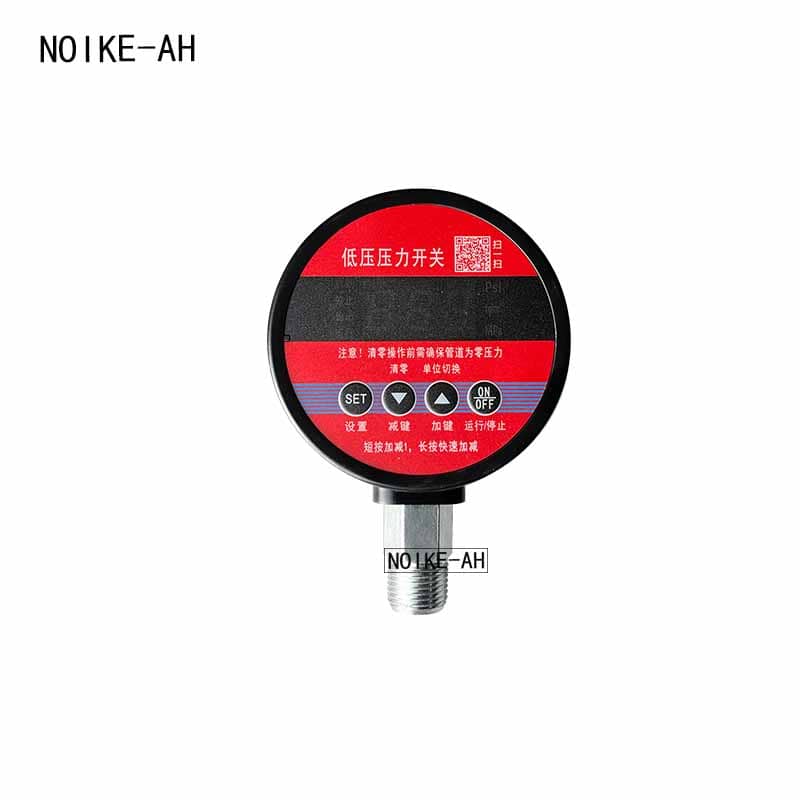
This product comes pre-installed with four touch buttons, arranged from left to right as follows: Settings
The keys include the decrement key, increment key, run/stop switch key, and the function of each key is defined as follows
Next:
Setting button: Short press to enter the start and stop value setting state
Subtract key: In the parameter setting state, short press to subtract 1, long press for quick subtraction
Addition key: In the parameter setting state, short press to add 1, long press for quick addition
Run/Stop button: Short press to switch between running and stopping states, running
The “Running” indicator is lit
In the measurement state, short press the plus button to switch display units, with each press indicating a change
Switching between three units: MPa, kg/cm², and PSI, while setting pressure synchronization
Switching units, due to different atmospheric pressures in different regions, if there is no pressure displayed
To reset to zero, long press the decrement key for 6 seconds. Ensure that it is indeed reset to zero
Only under pressure can the reset operation be executed.
Get An Instant Quotation Now